


The cannon is the part of CQ9’s Oneshot Fishing you interact with most often. This okebet guide breaks down each cannon level, the effect you can see on screen and the controls that determine where shots go.
Compare the Four Cannon Levels
| Cannon level | Skill | What you see in play |
|---|---|---|
| 1 | Standard shot | A normal bullet follows the direction you select |
| 2 | Freeze | A randomly triggered effect can hold fish in place |
| 3 | Lightning | An extra lightning strike can reach nearby targets |
| 4 | Ultimate | Electrified bullets can chain to other targets, and a special straight-line cannon can trigger |
At Level 2, the clearest visual clue is a moving target briefly stopping when Freeze activates. Level 3 changes the effect to an extra attack, so a group near your selected fish can also be reached. Level 4 has two distinct electrical effects. The chain hit comes from an electrified bullet, while the large straight-line beam is a separate cannon effect. The okebet table groups them under one level because both belong to the highest cannon tier.
How AUTO and AIM Work With the Cannon
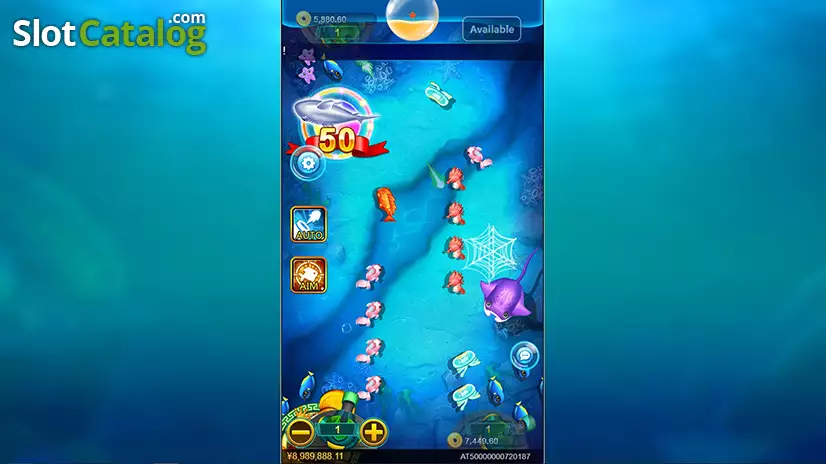
AUTO handles repeated firing. AIM follows a fish you select and fires at it while the lock is active. CQ9 describes the aimed firing as stopping when the target is captured. The cannon skill and the firing control are separate settings, so check the displayed shot amount and the active button after making a change.
Is “Enter Level 2” a Cannon Upgrade?
The large “Enter Level 2” message in the screenshot above announces the next game stage. The Level 2 cannon entry in the okebet table refers to the Freeze weapon. Both use the same number, so use the location of the label to tell them apart. Stage messages appear in the playfield, while the cannon and shot amount sit at the bottom.
For a quick read of any busy screen, use this okebet sequence. Find your cannon setting first, check whether AUTO or AIM is active, then look for the visual effect associated with the selected level.